

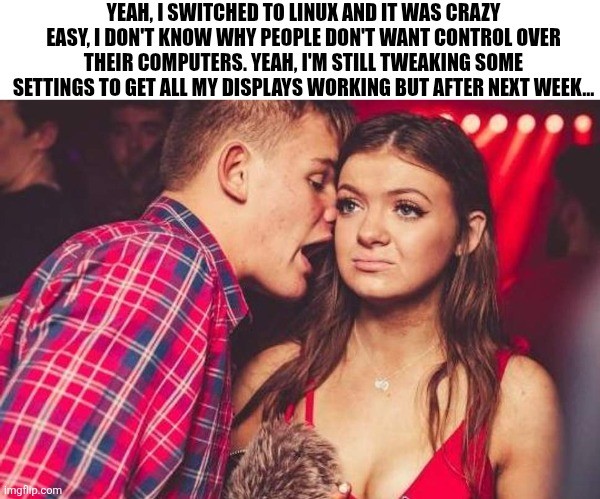
Edit: I’m glad so many of you have had no issues with multiple monitors. My set up is a little unusual (3rd display is an infrequently used large tv hooked through the receiver) and is definitely solveable but will take some effort (and honestly, I’d rather spend my spare time outside or with friends, so who knows when I’ll fix it.)
Ah, what you’re looking for is called udev. It supplies the system with device events from the linux kernel.
This gist of it is, to use this command
udevadm monitor --environment --udevthen unplug and plug in your monitor. You should see the events on screen. You then write a rule and place it in /etc/udev/rules.d. To run a script add something like
ACTION=="change", SUBSYSTEM=="drm", KERNEL=="card0-HDMI-A-1", \
  RUN+="/usr/local/monitor-script.sh"
See the man udev page for more info (☞゚ヮ゚)☞