

0·
2 months agoThey’re probably talking about offline updates, which are used by Fedora and Ubuntu. They do require you to reboot to apply the updates.

If you see that I’ve edited some of my posts/comments, it’s most likely a grammatical error or a spelling mistake I’ve fixed as I’m not a native speaker :)
They’re probably talking about offline updates, which are used by Fedora and Ubuntu. They do require you to reboot to apply the updates.

I’m on Artix Linux and it did automatically create it after an update.
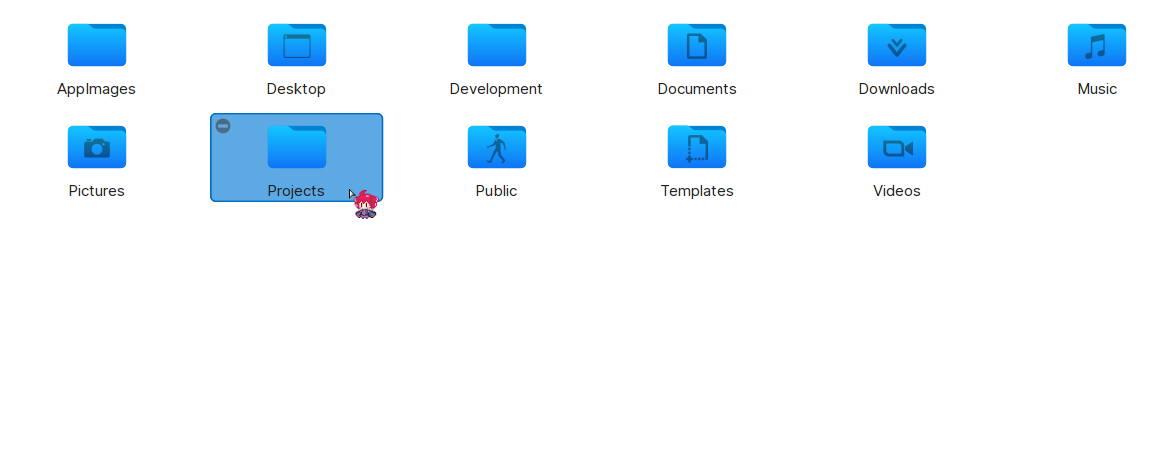
It likely just runs xdg-user-dirs-update which, in my experience, doesn’t delete anything if the folder is already there (the command just changed the folder icon in the file manager when I used to run it on a WM).

You can install Aurora Store and use that instead of Play Store. Though be aware that disabling/removing Play Store may cause issues with some apps that require Google Play Services for some reason and those apps don’t have to be completely proprietary for this requirement (Stoat’s mobile app doesn’t launch at all without Play Store for example).
I would also recommend disabling background connections and running in the background for proprietary apps you install. I’m not sure how you can do this on Samsung but this is how I do it on Xiaomi:
Running in the background: App info -> Power -> Select “Restrict background apps”
Background connections: App info -> Network access -> Disable “Background data”
vis. Only used it for editing configs and stuff though, not programming.